PrO2+ is on the App Store. Download the companion app today for iPhone or Android to pair with your device and train anywhere.
App:Link a Clinician
Step through adding your linked clinician identifier in Account → Edit profile so your sessions can be shared with your care team.
1 / 4
·
Autoplay on load · pause anytime · arrow keys
8s per slide when playing
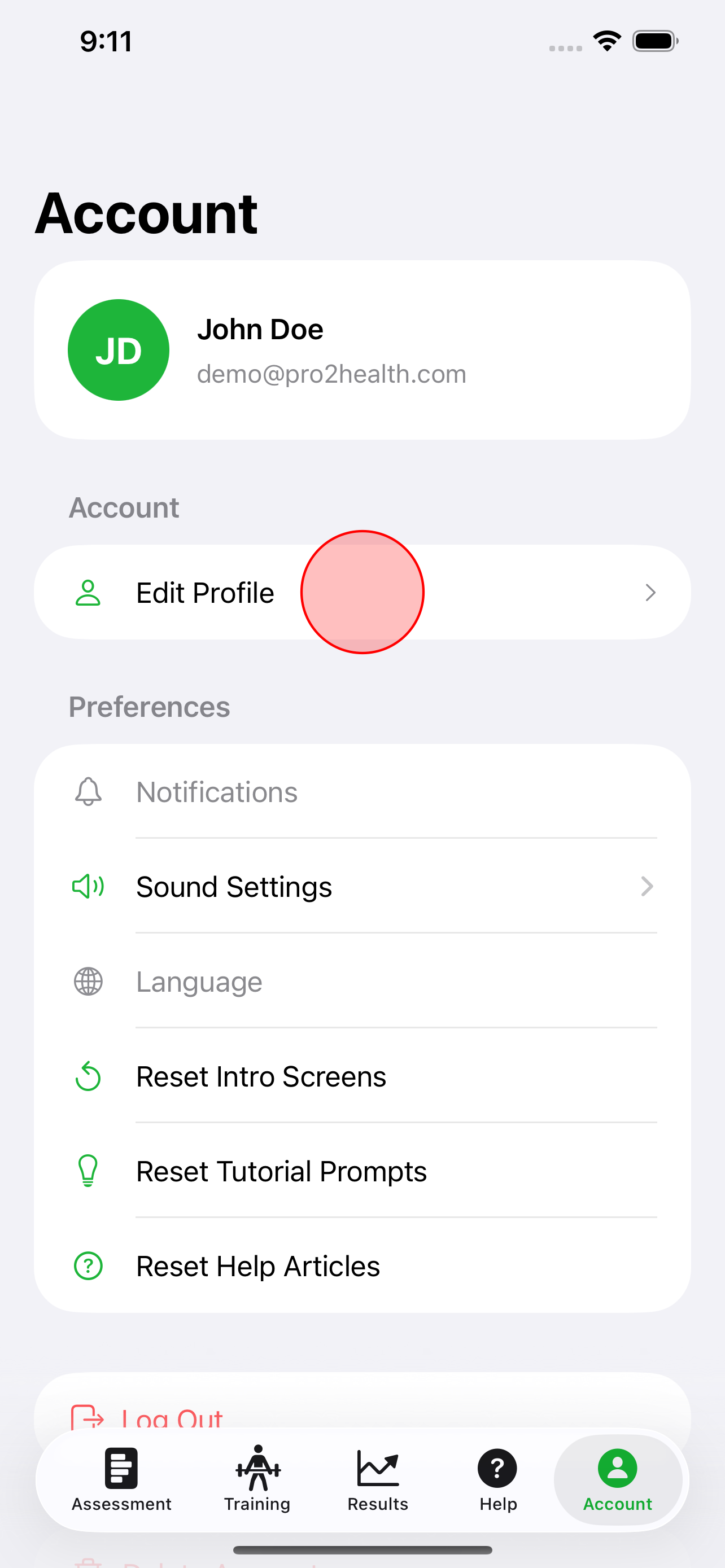
Open your profile
From the app, go to Account and choose Edit profile so you can link your clinician.
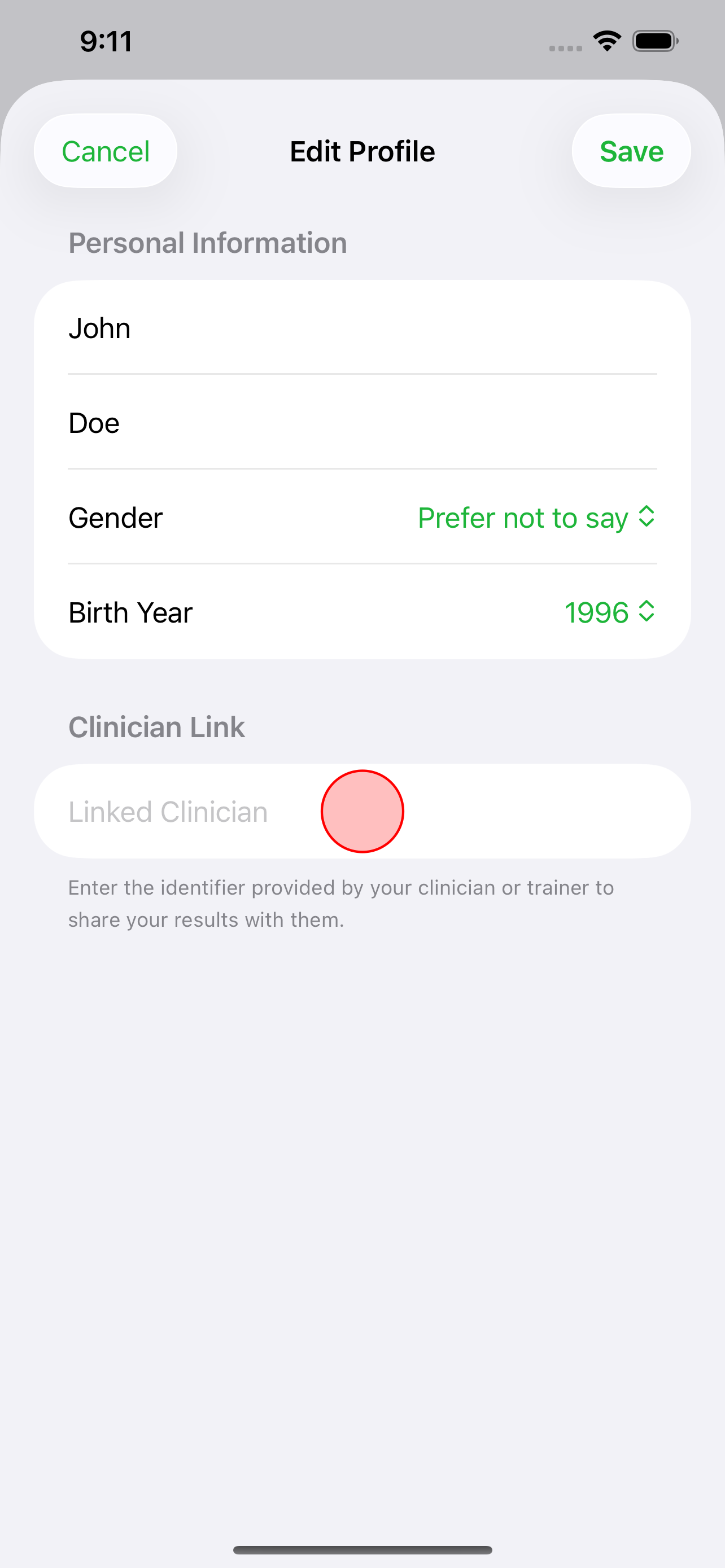
Linked clinician field
Find the linked clinician identifier field. Enter the ID your clinic or clinician gave you.
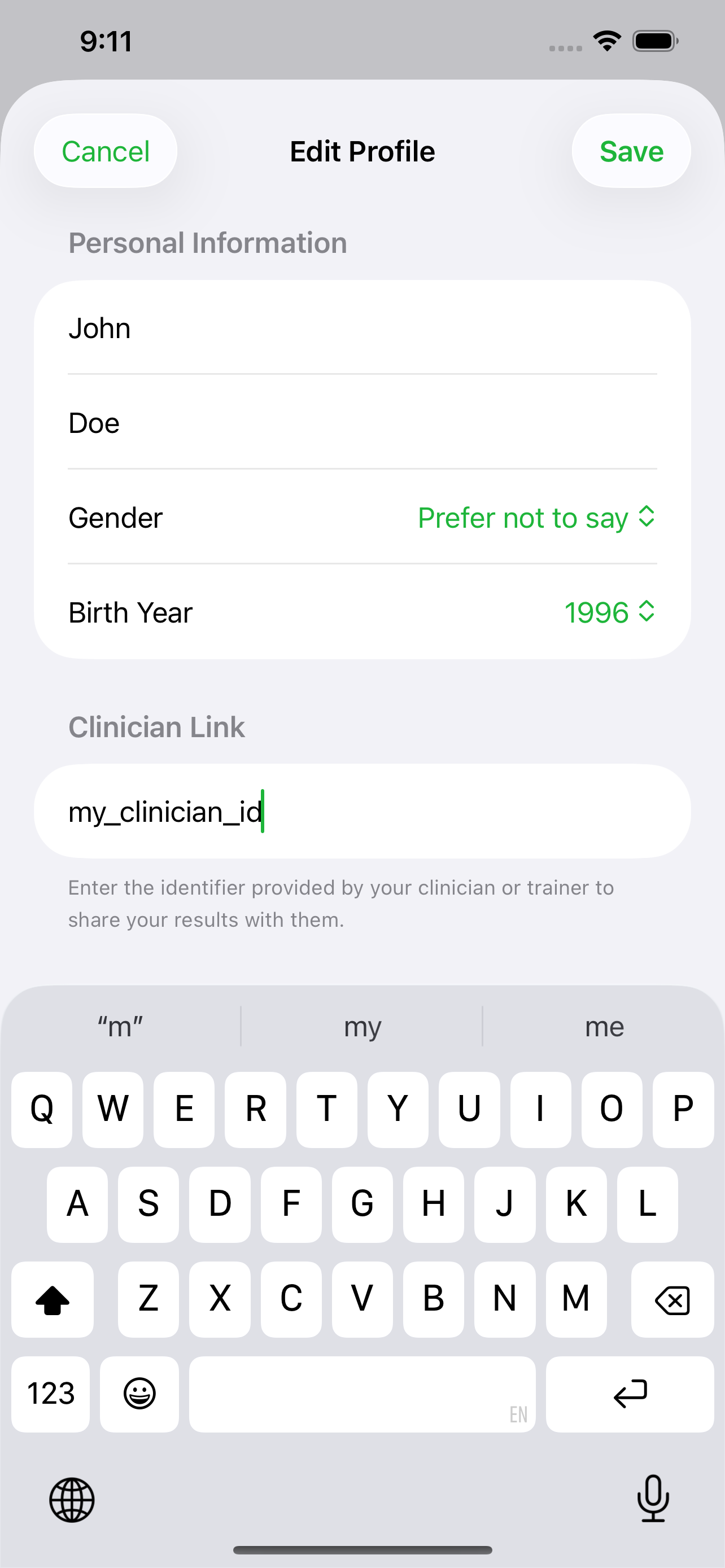
Enter the identifier
Type the clinician identifier carefully—this connects your training data to your care team.
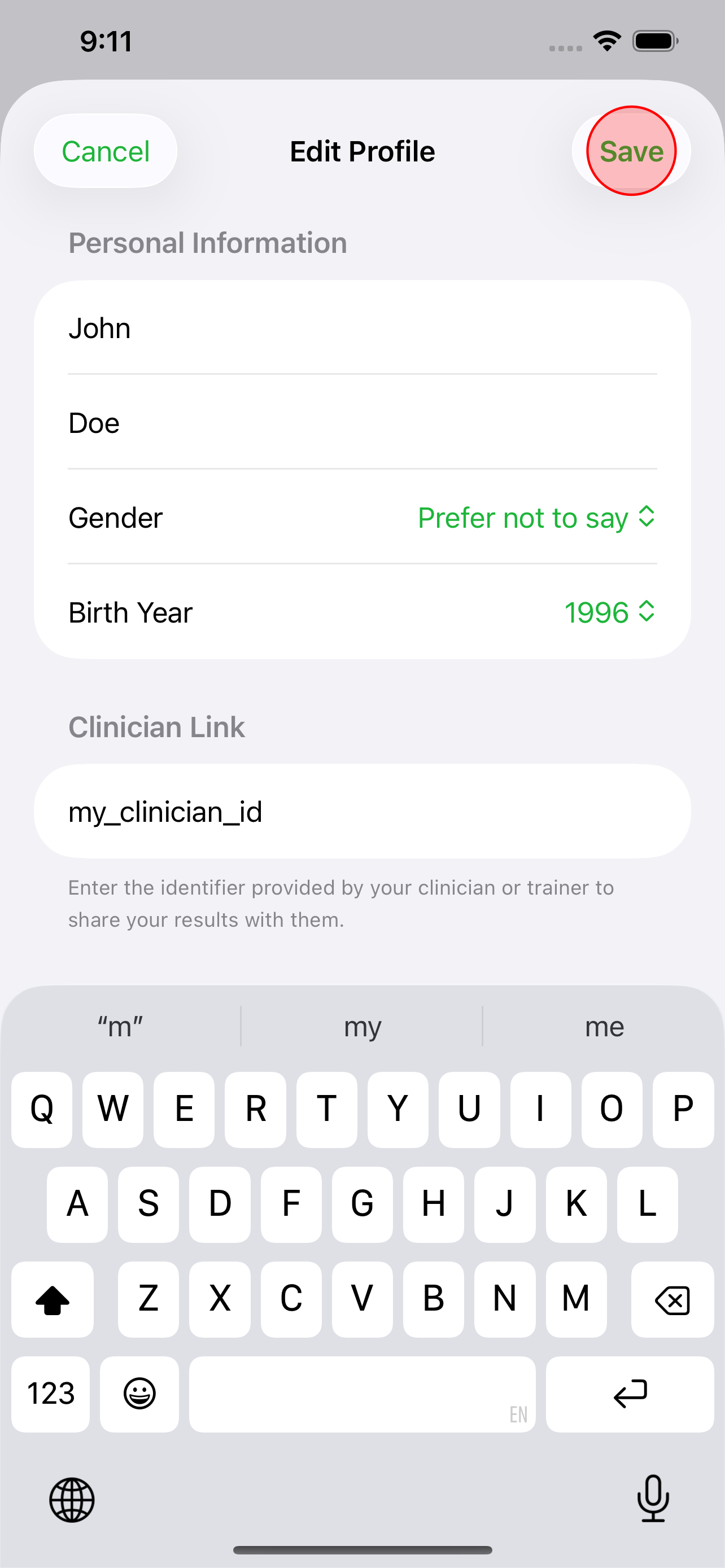
Save your profile
Save your profile to apply the link. Your clinician can now see sessions you choose to share.