PrO2+ is on the App Store. Download the companion app today for iPhone or Android to pair with your device and train anywhere.
App: Training walkthrough
A walkthrough of screens from onboarding to full breath inspiratory trainining using the TIRE protocol.
Choose your role
When you open the app, pick how you use PrO2—healthcare, fitness, research, and other options tailor the experience.
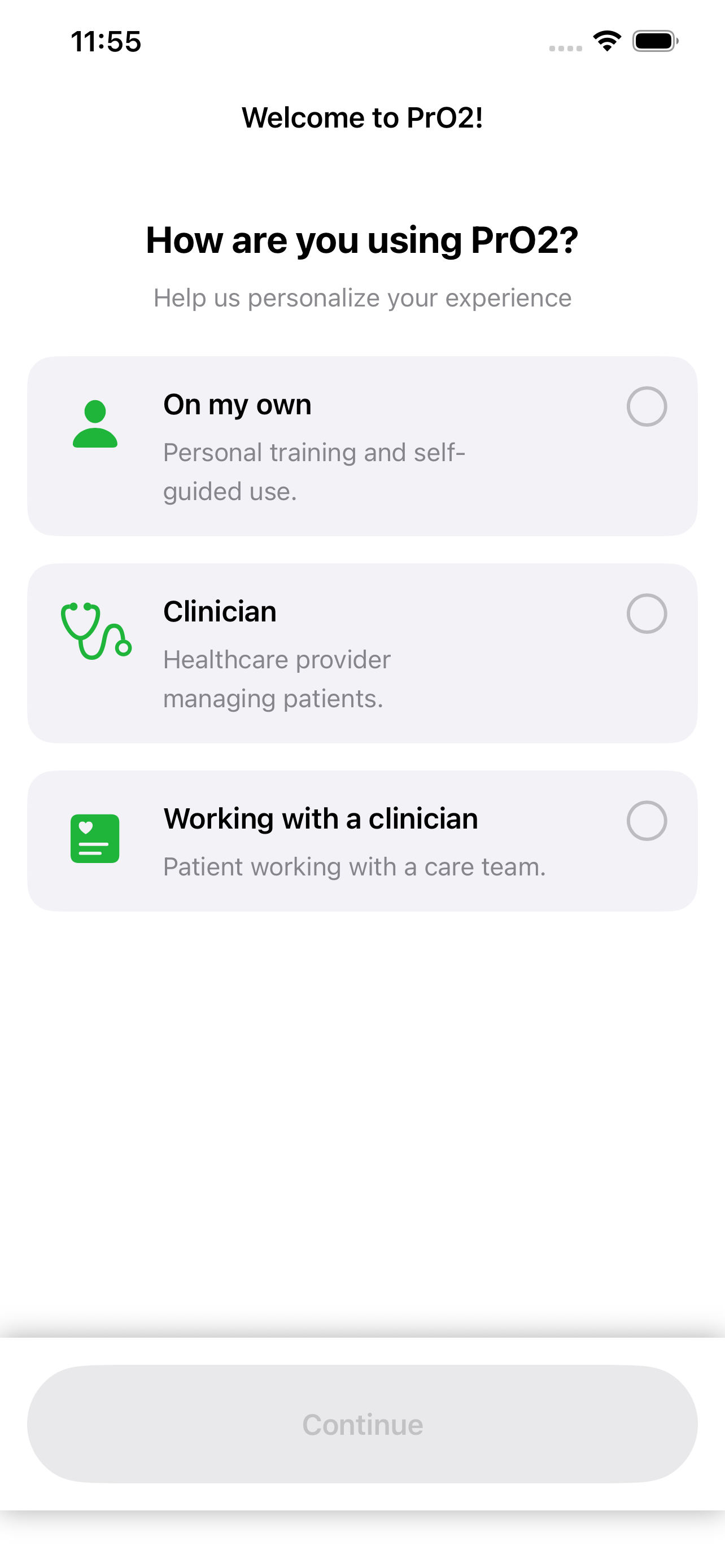
Select a role
Tap the role that matches you. Your choice helps the app show the right workflows and terminology.
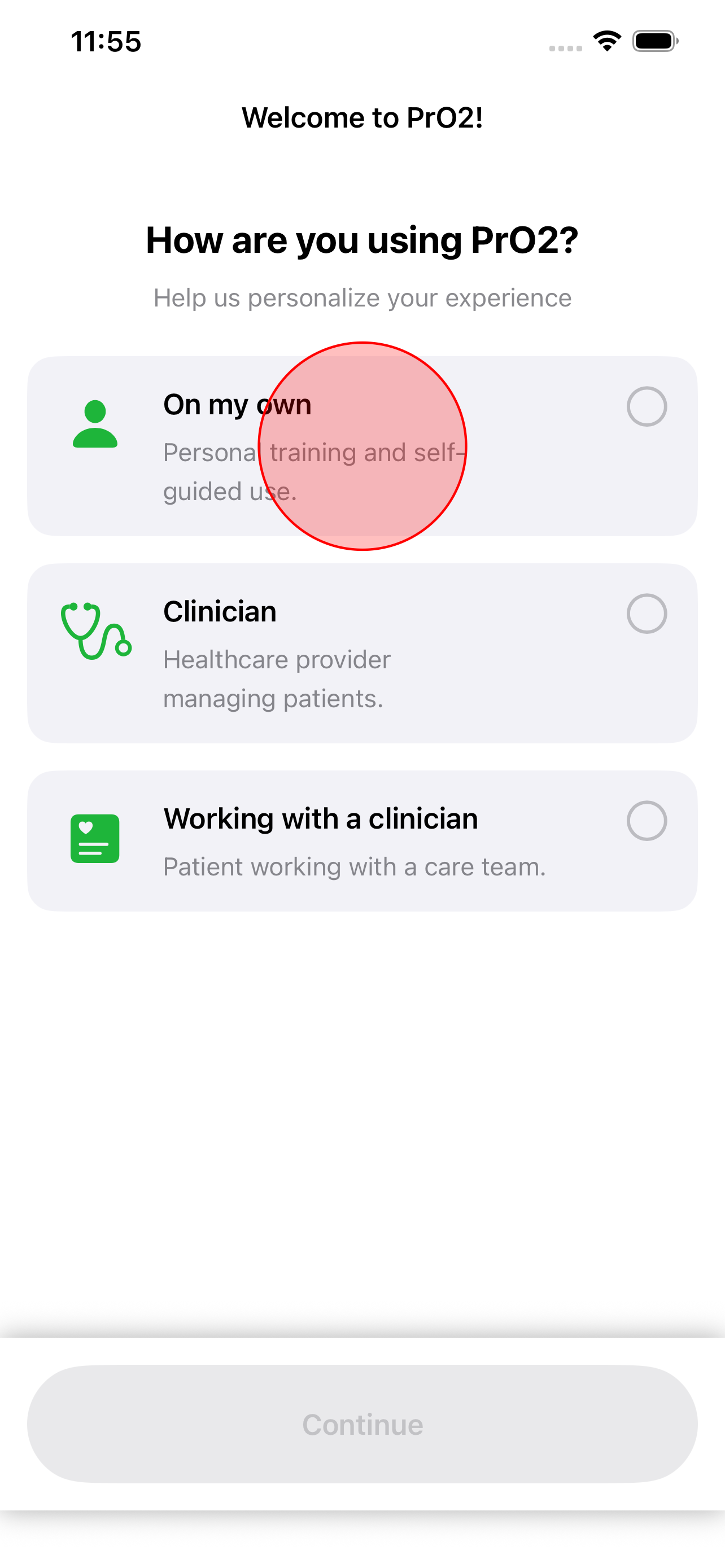
Role highlighted
The selected role is highlighted so you can confirm before continuing.
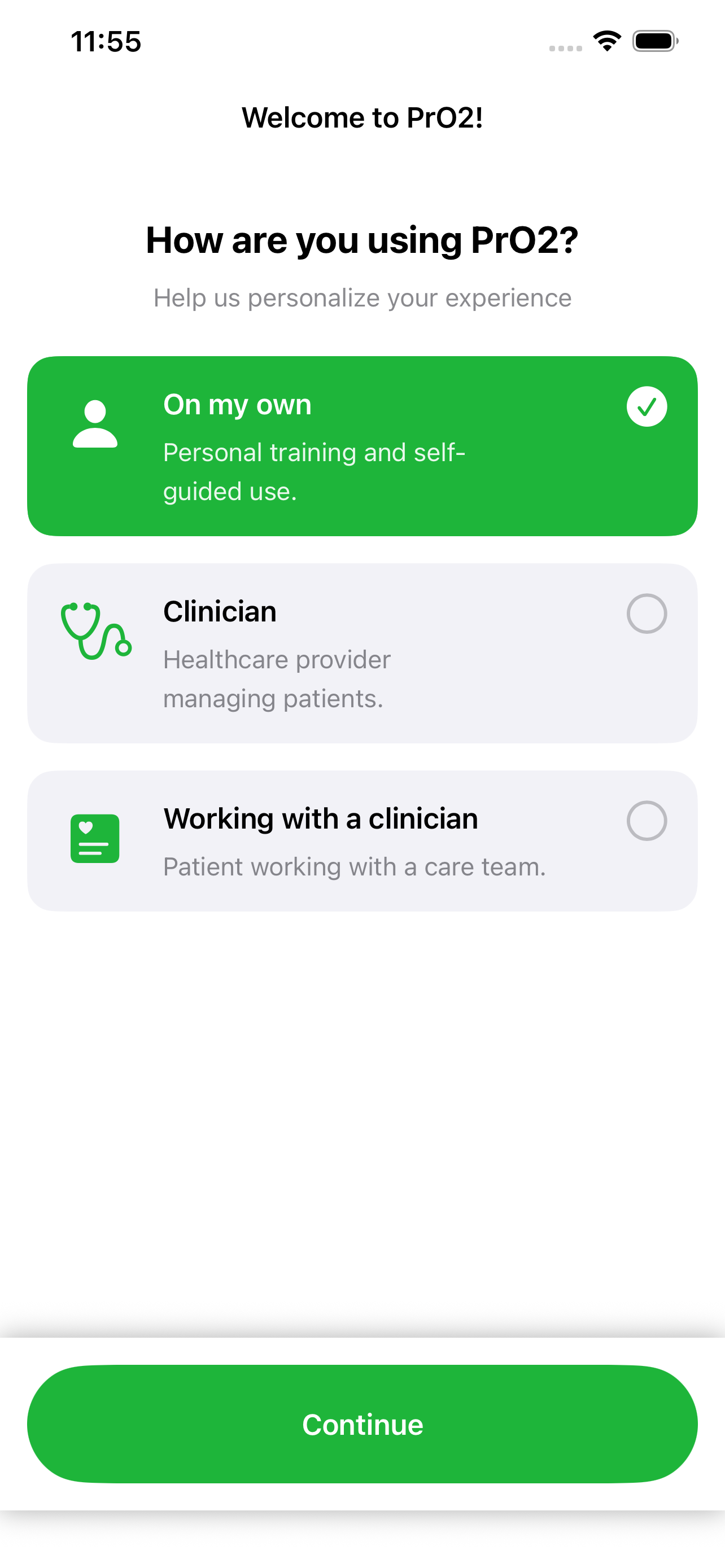
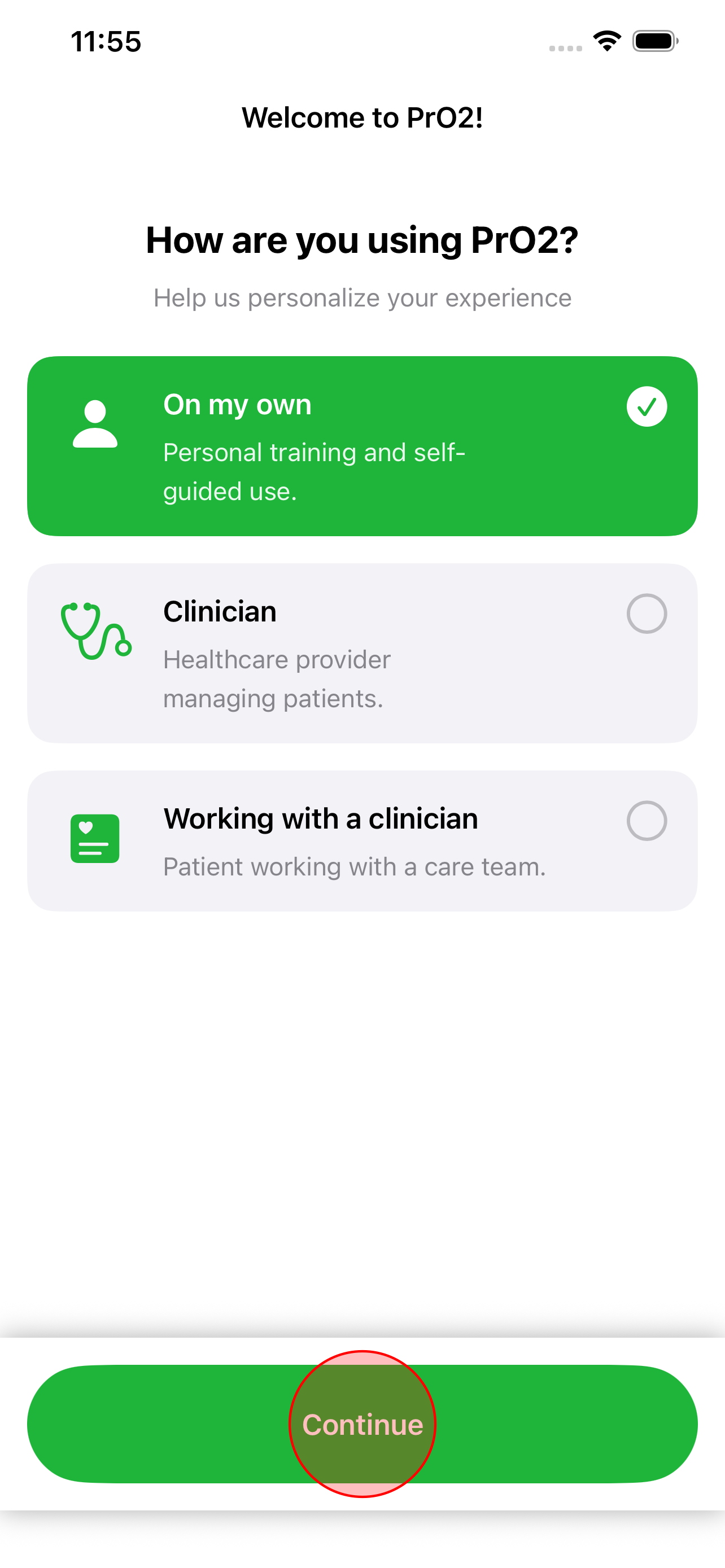
Continue
Proceed to the main app once your role is set.
Open Training
Move to the Training area when you are ready to measure or train—not just assess.
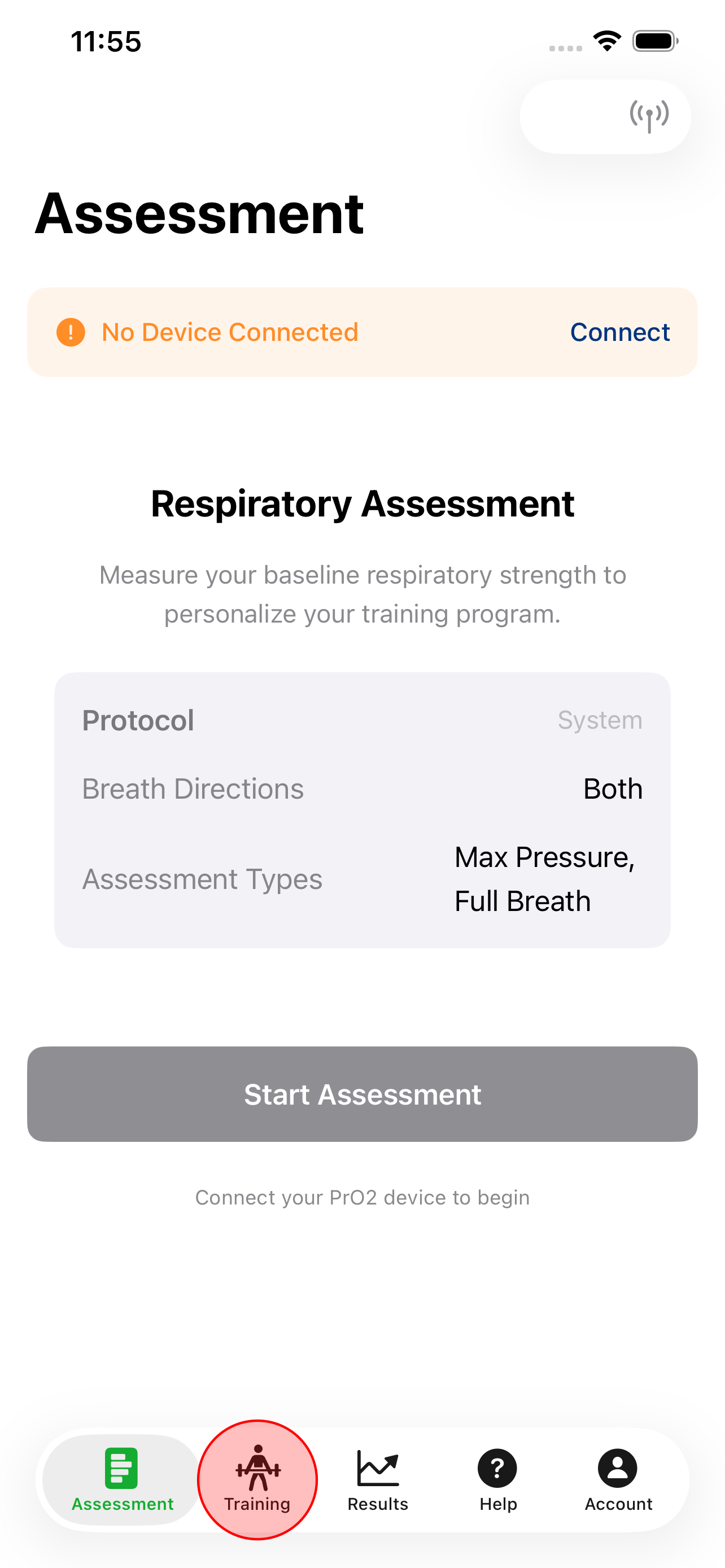
Training tab
The Training screen is where you connect the device, pick modes, and run sessions.
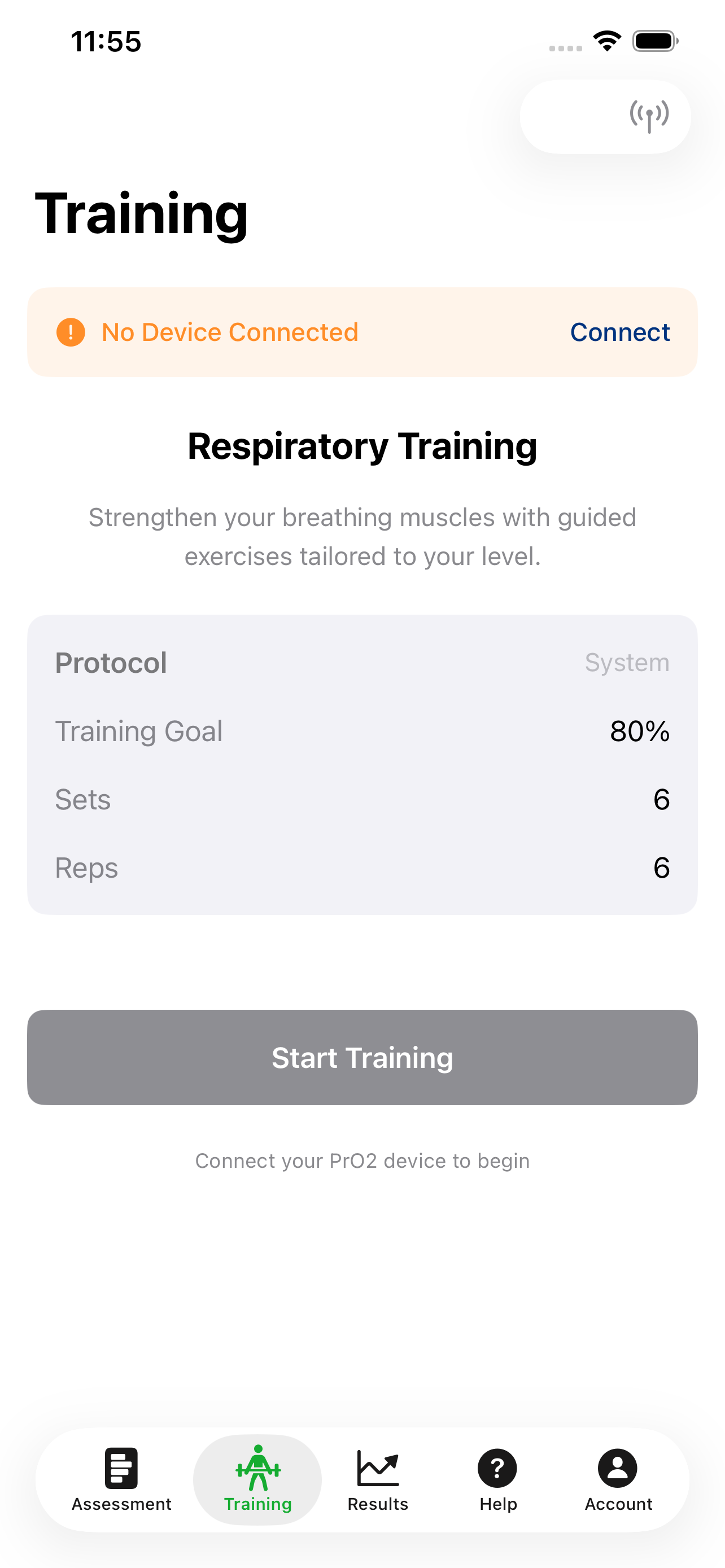
Device connected
With Bluetooth connected, the app shows the device is ready for a session.
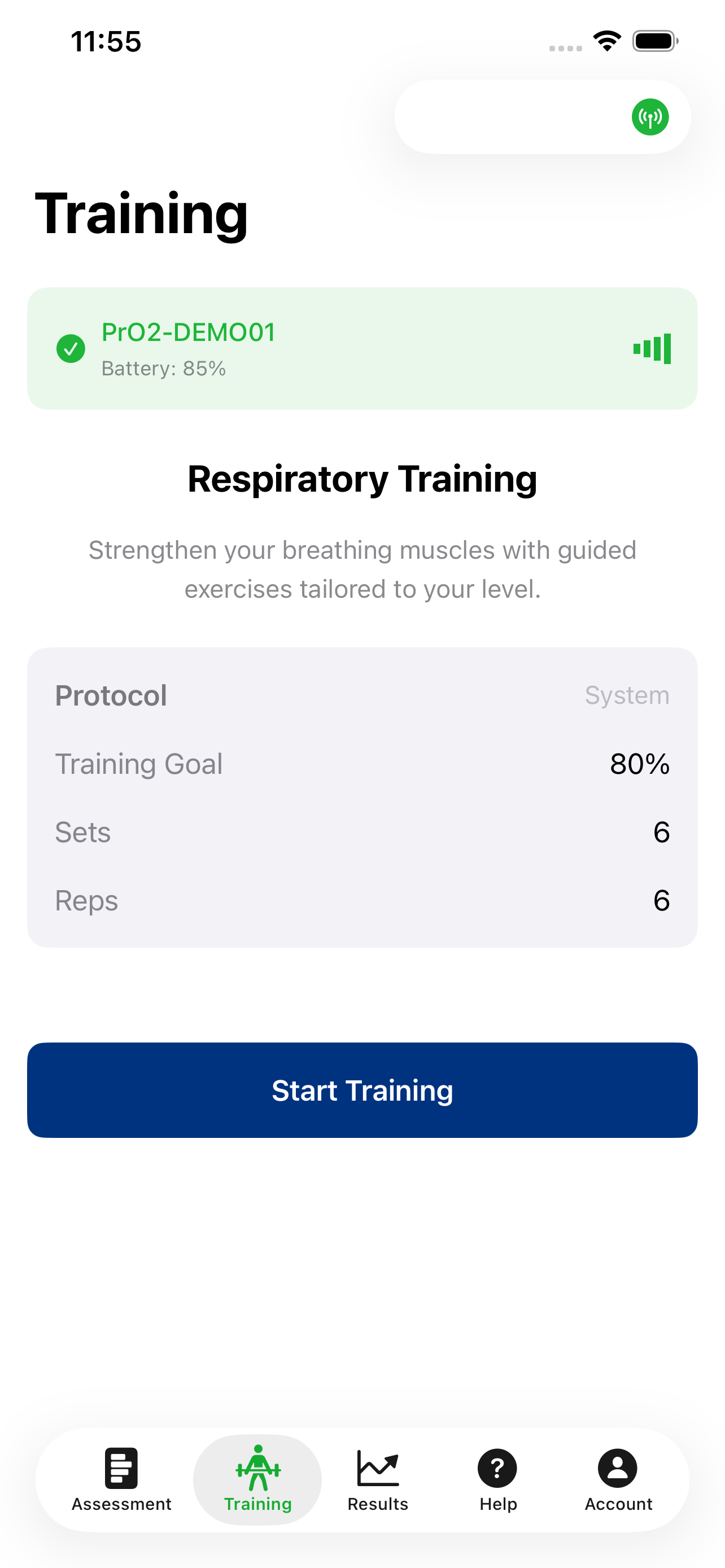
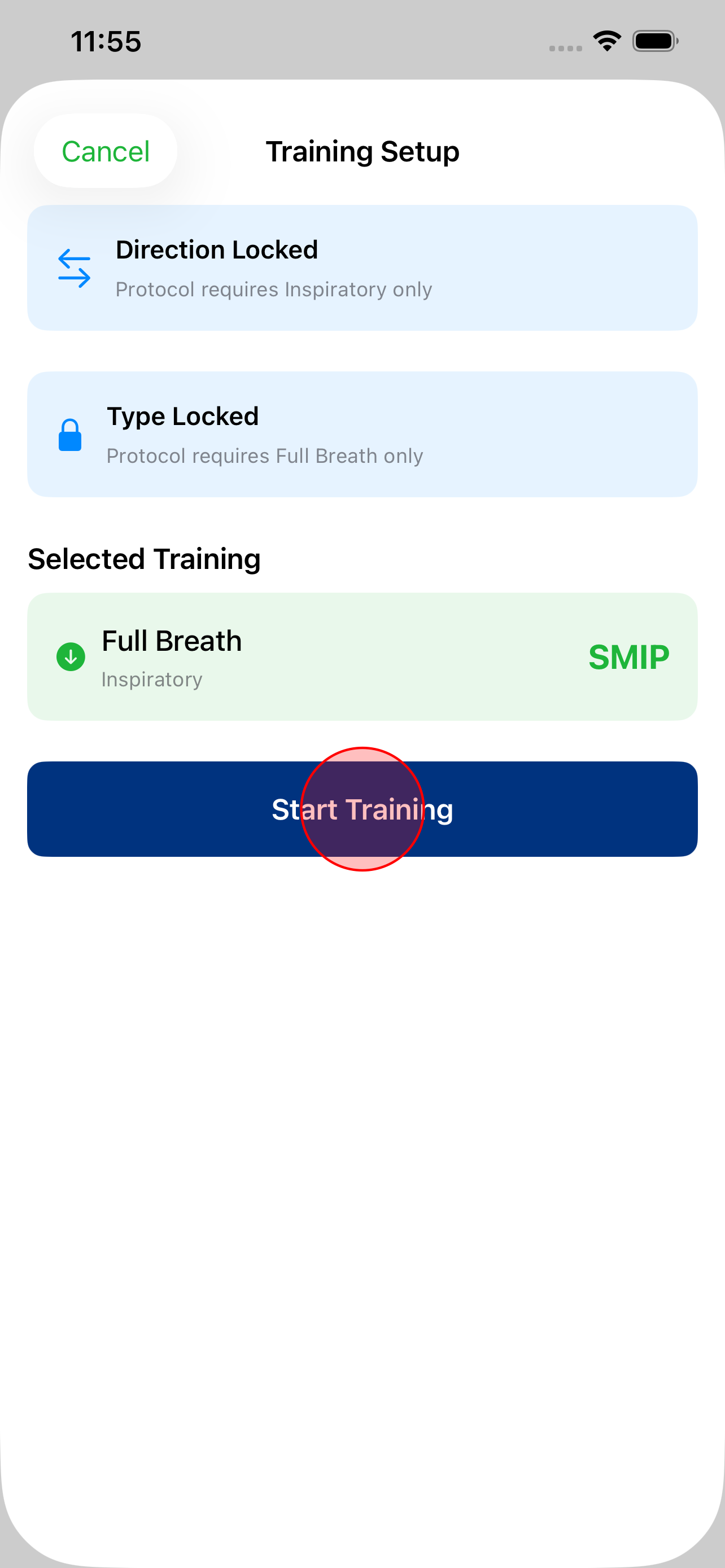
Start session
Click start training to begin the session.
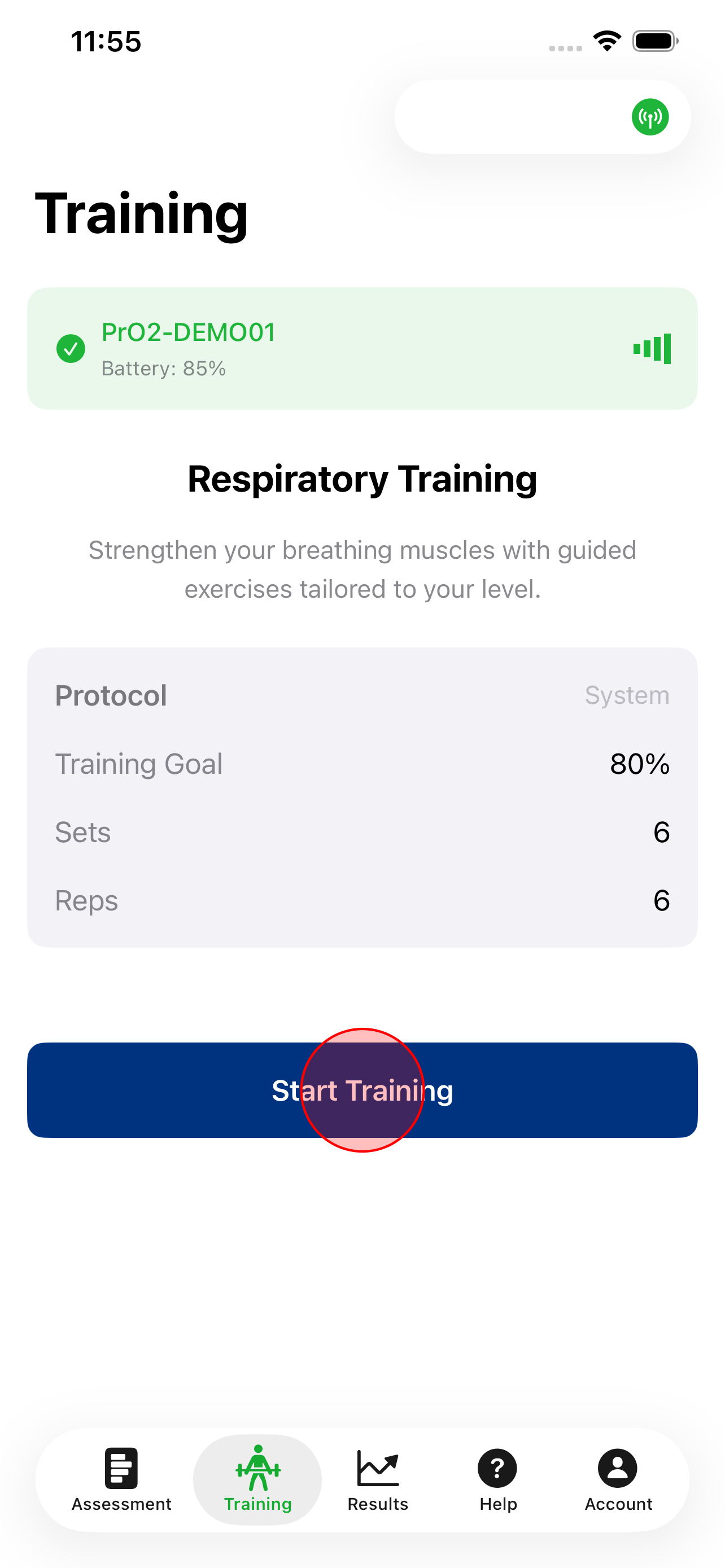
Confirm mode
Review the mode and confirm so the app can configure targets and feedback.
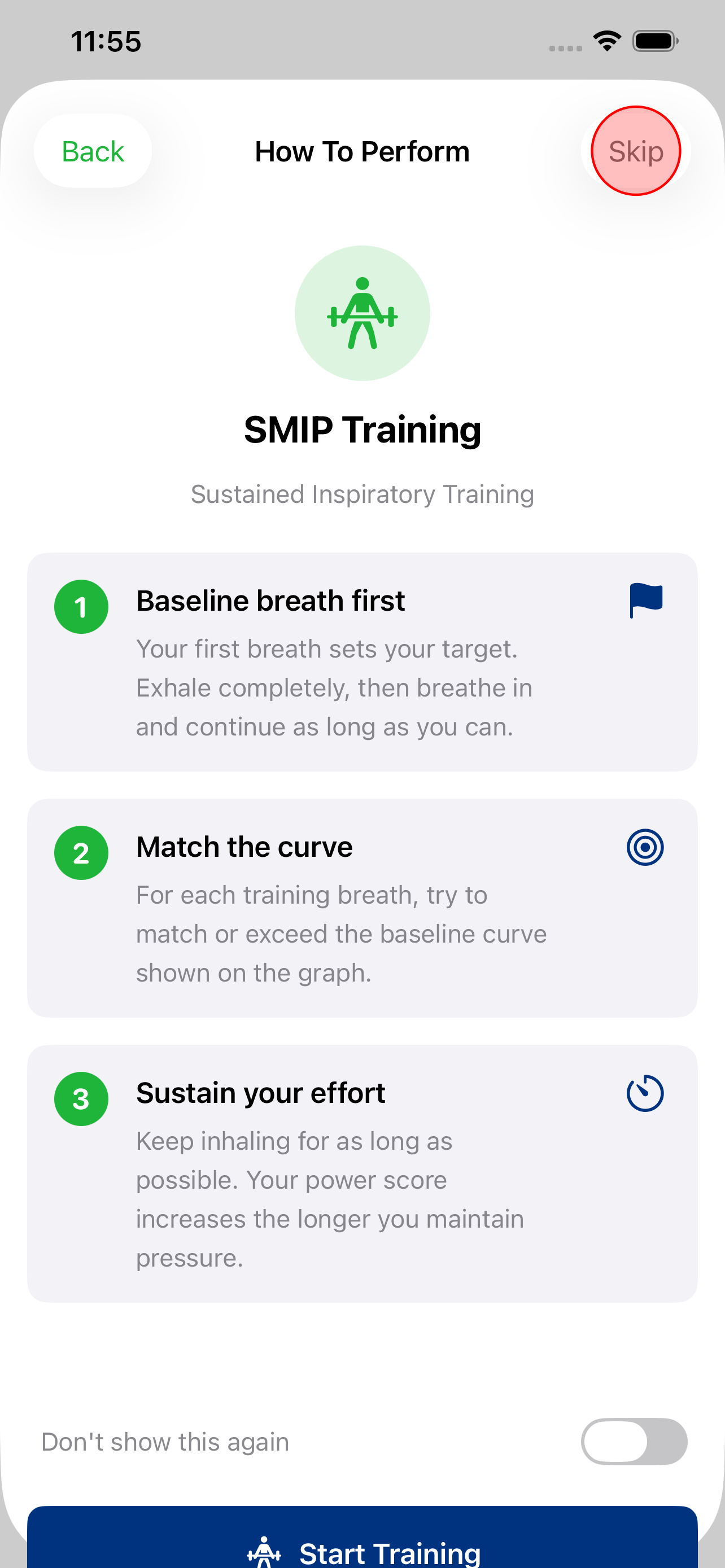
Optional tutorial
Step-by-step guidance is shown until "Don't show this again" is chosen.
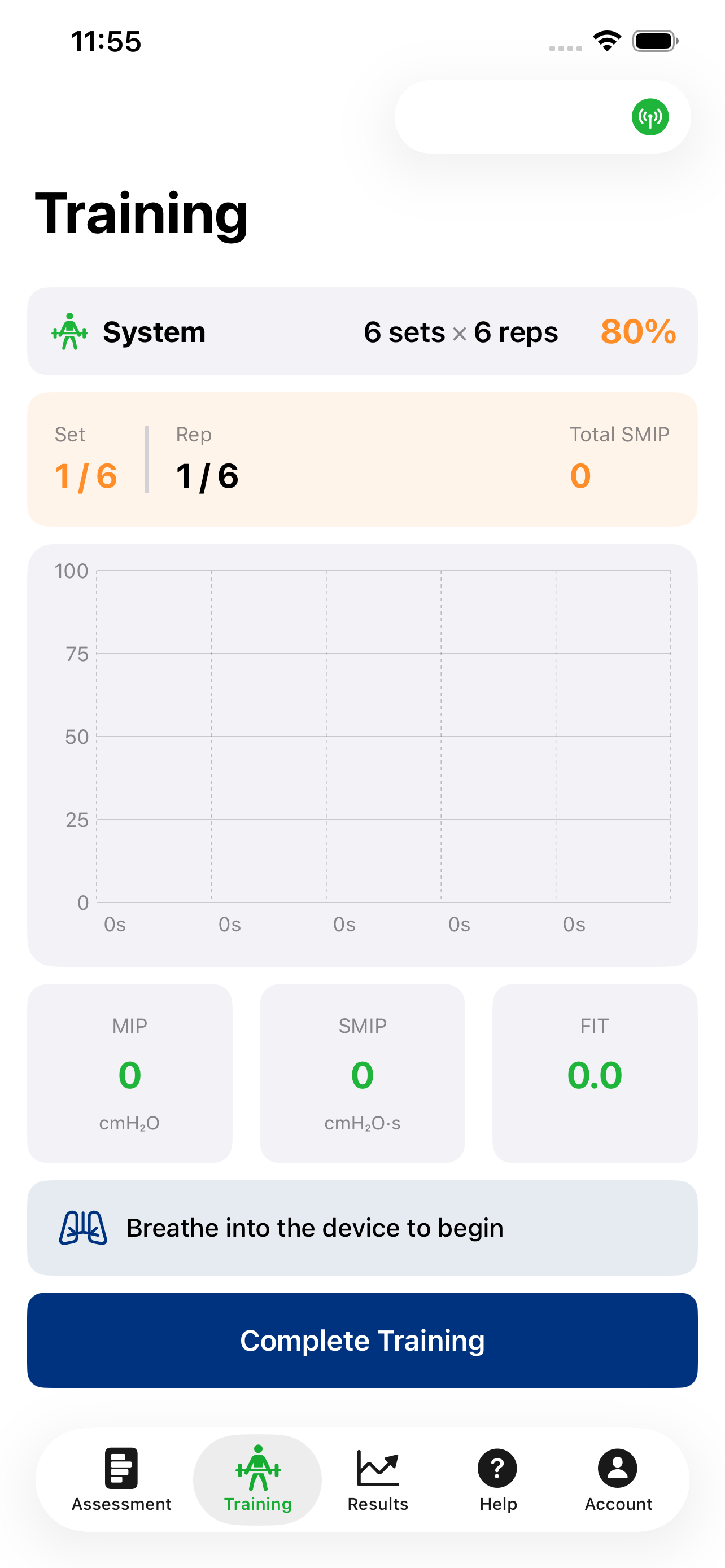
Ready to train
When setup is complete, you will see a clear “ready” state before the first breath.
Baseline breath
A baseline breath establishes today’s reference for training.
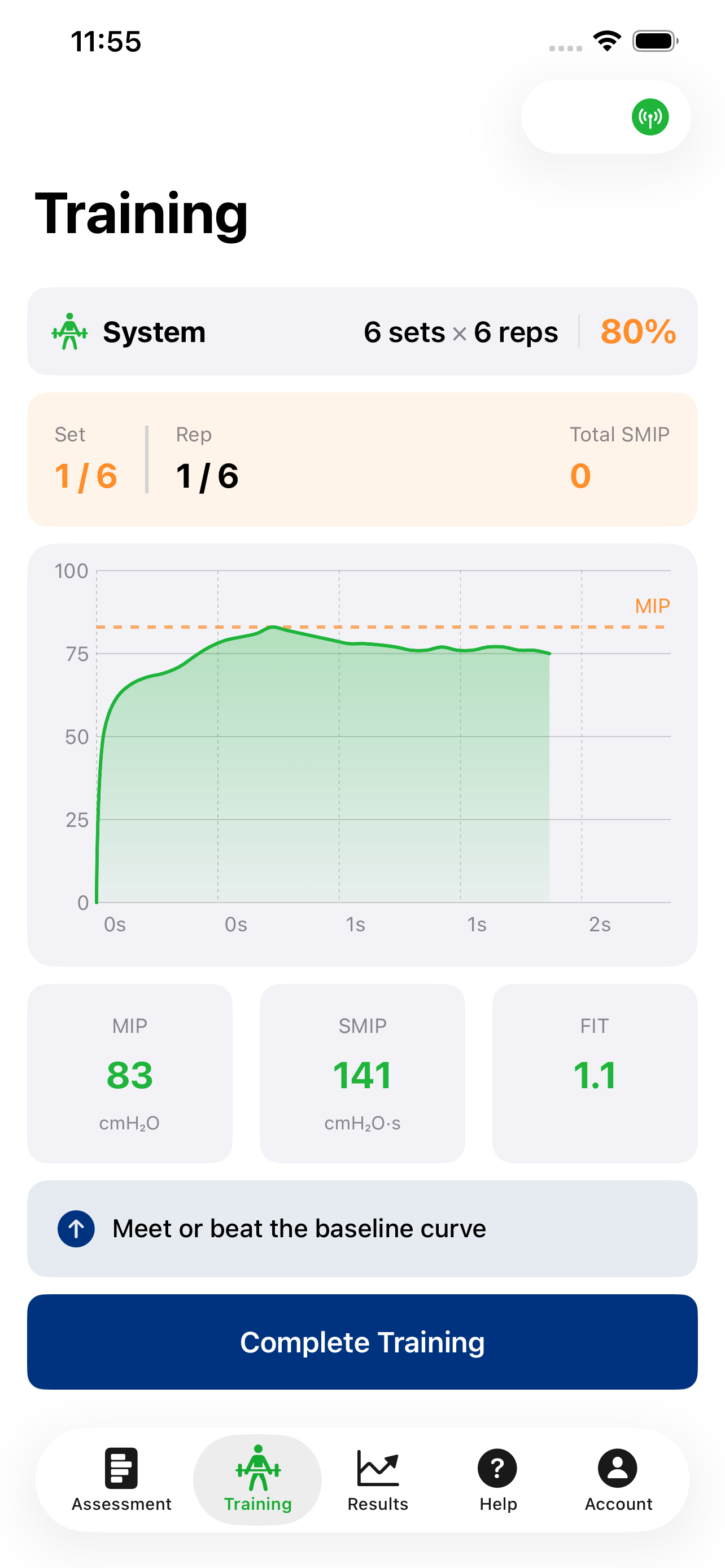
Baseline in progress
Keep steady effort; the display updates pressure, time, and power in real time.
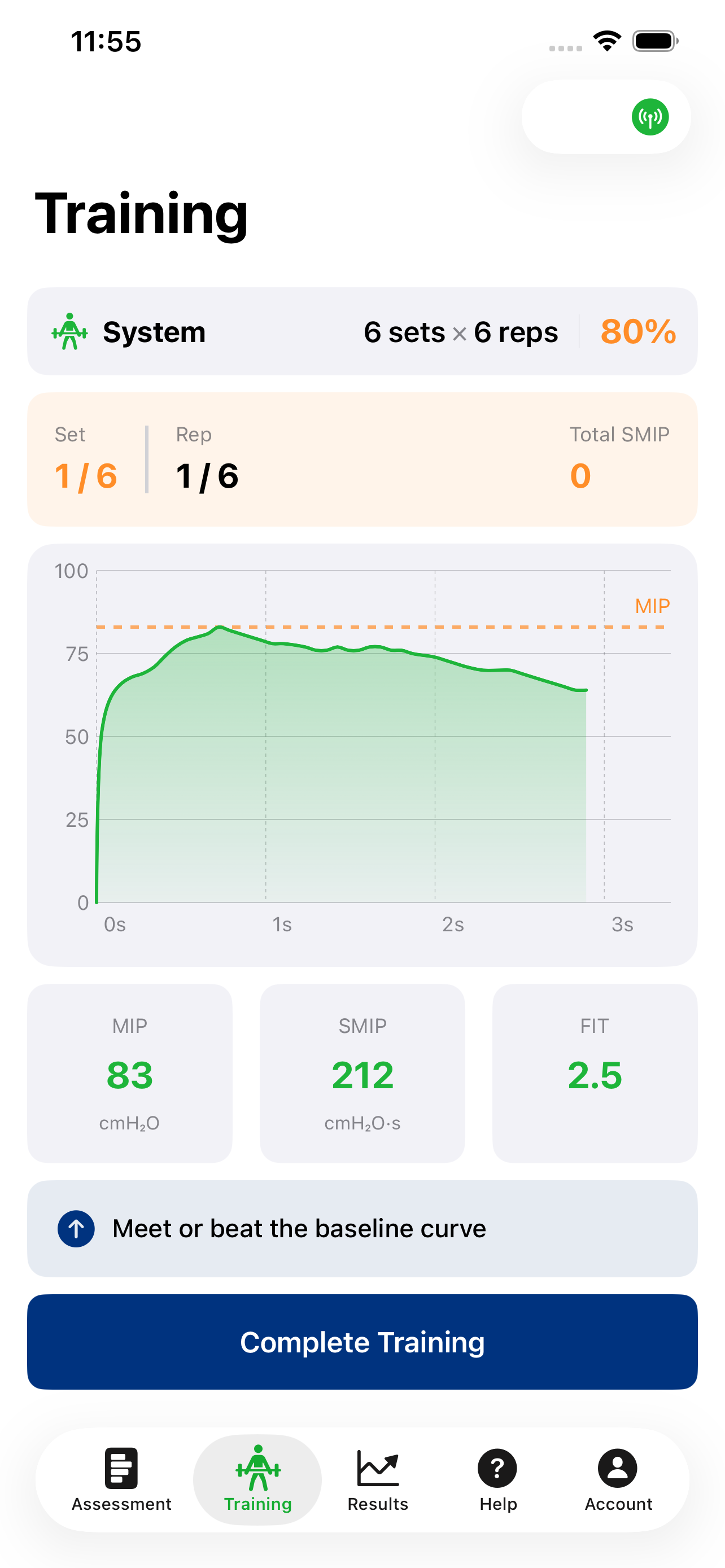
Baseline complete
At the end of the baseline breath, you can accept or recreate if needed.
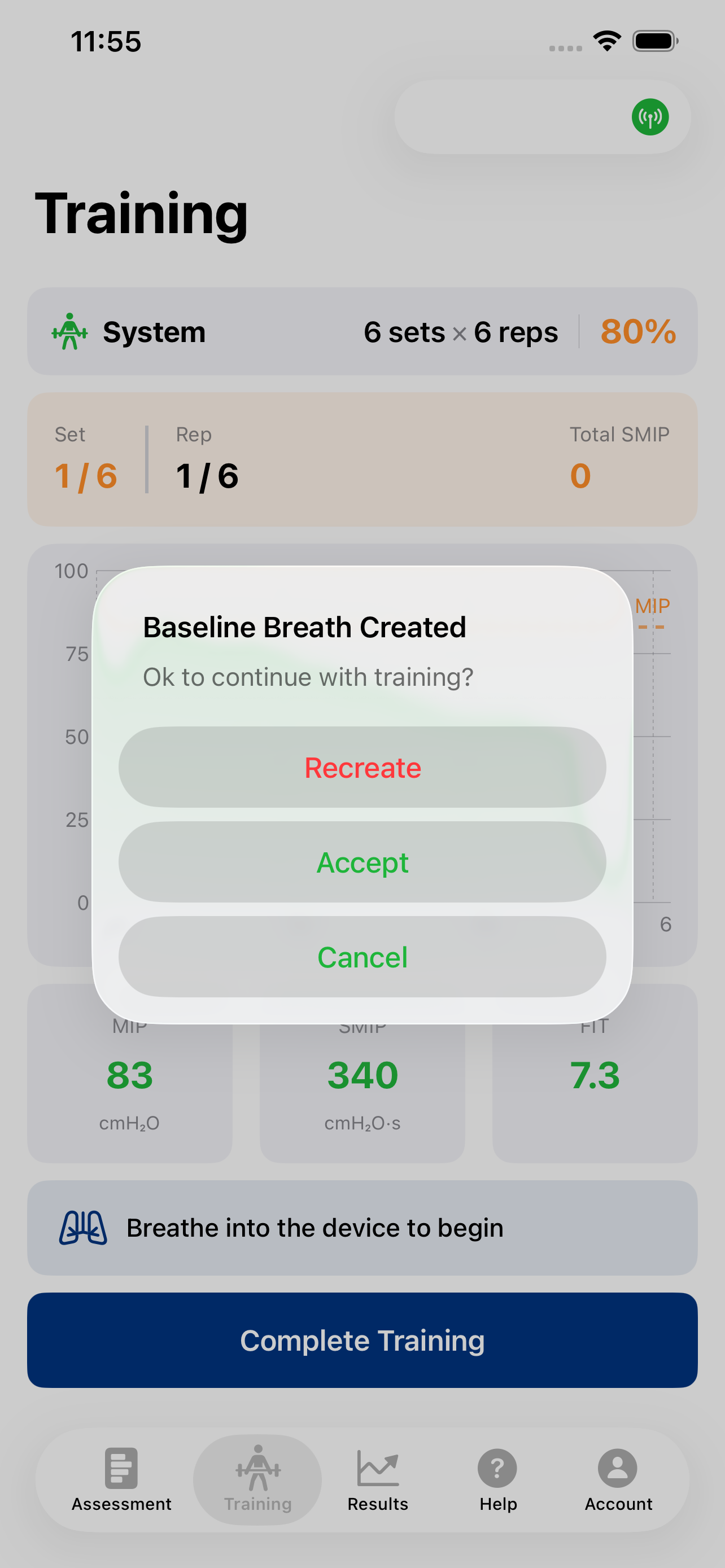
Baseline accepted
With baseline accepted, the training target is shown on the screen.
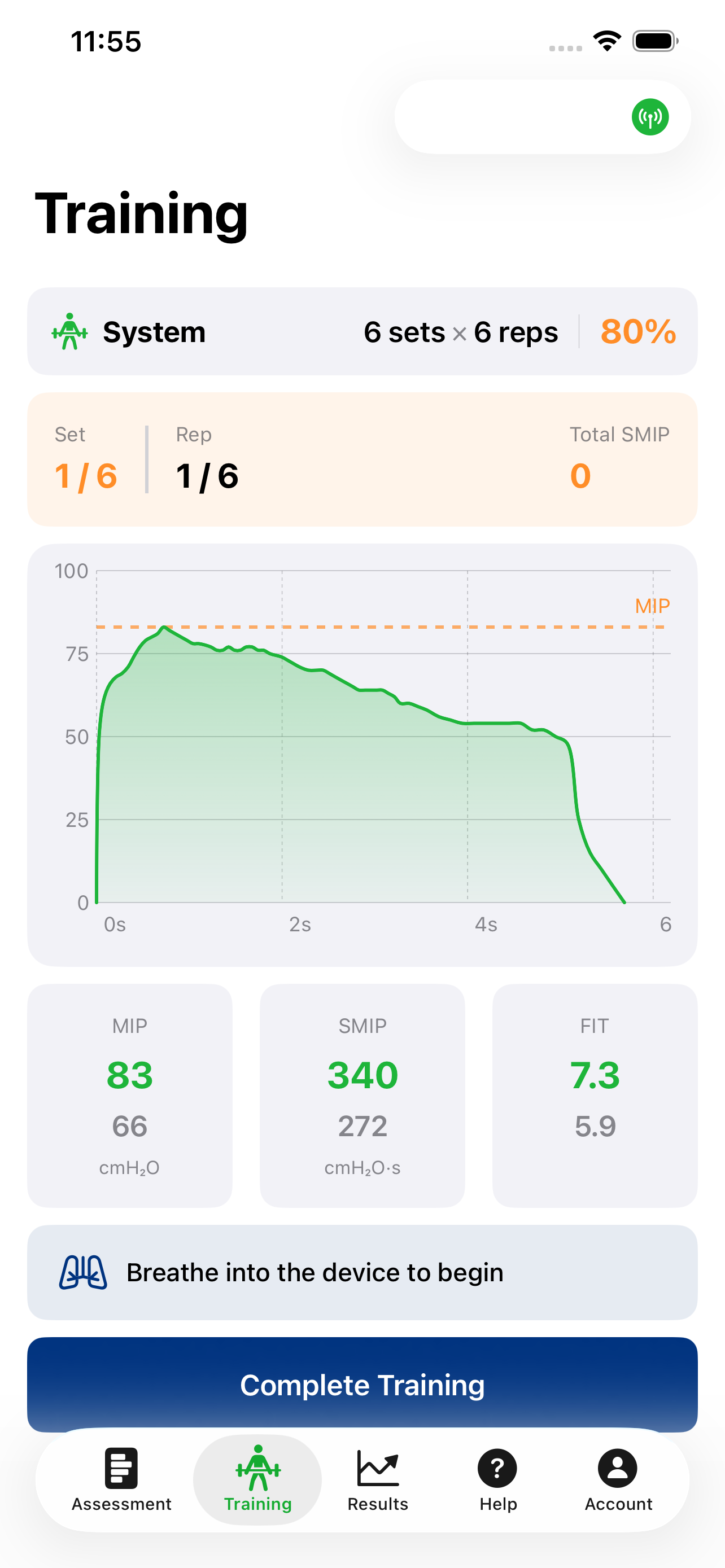
Training breath
Aim to meet or exceed the training target on each breath.
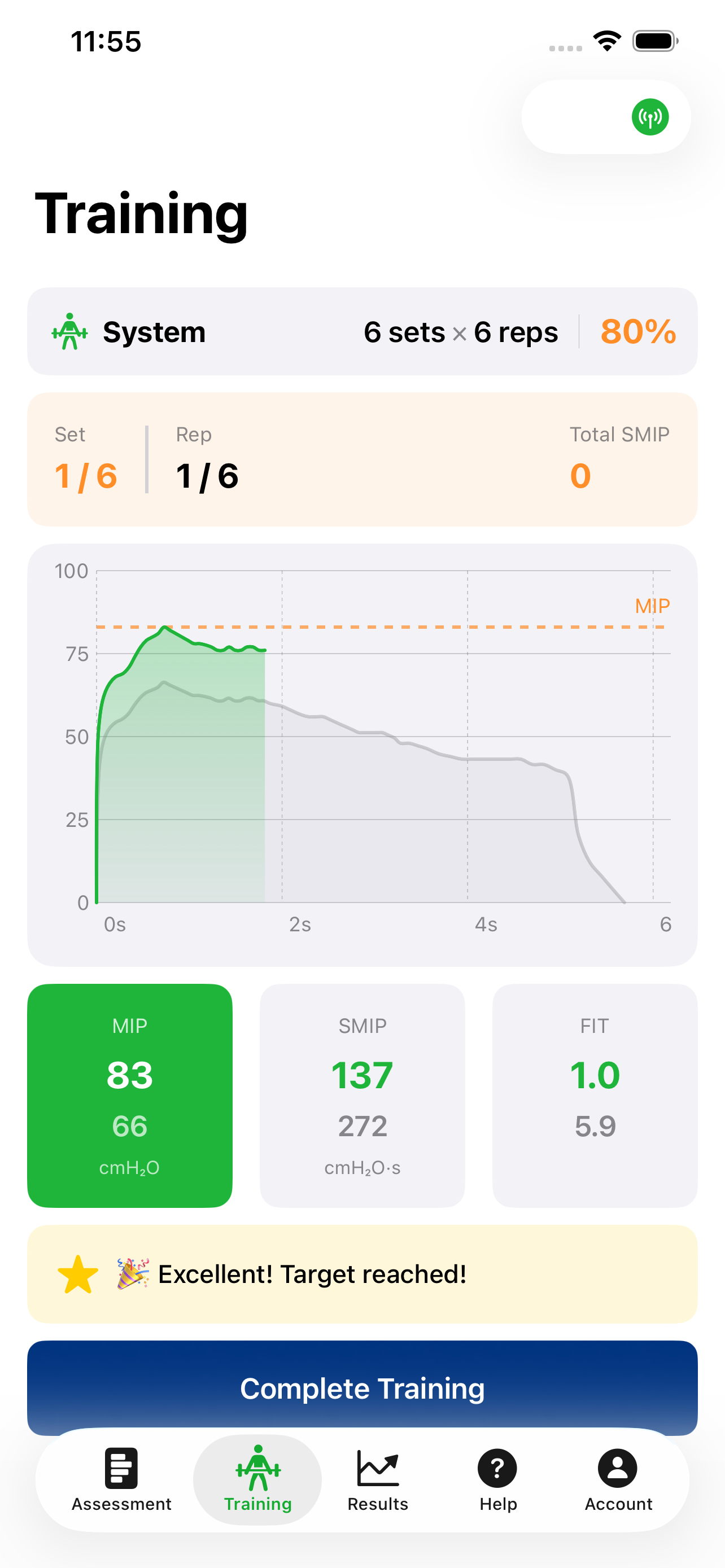
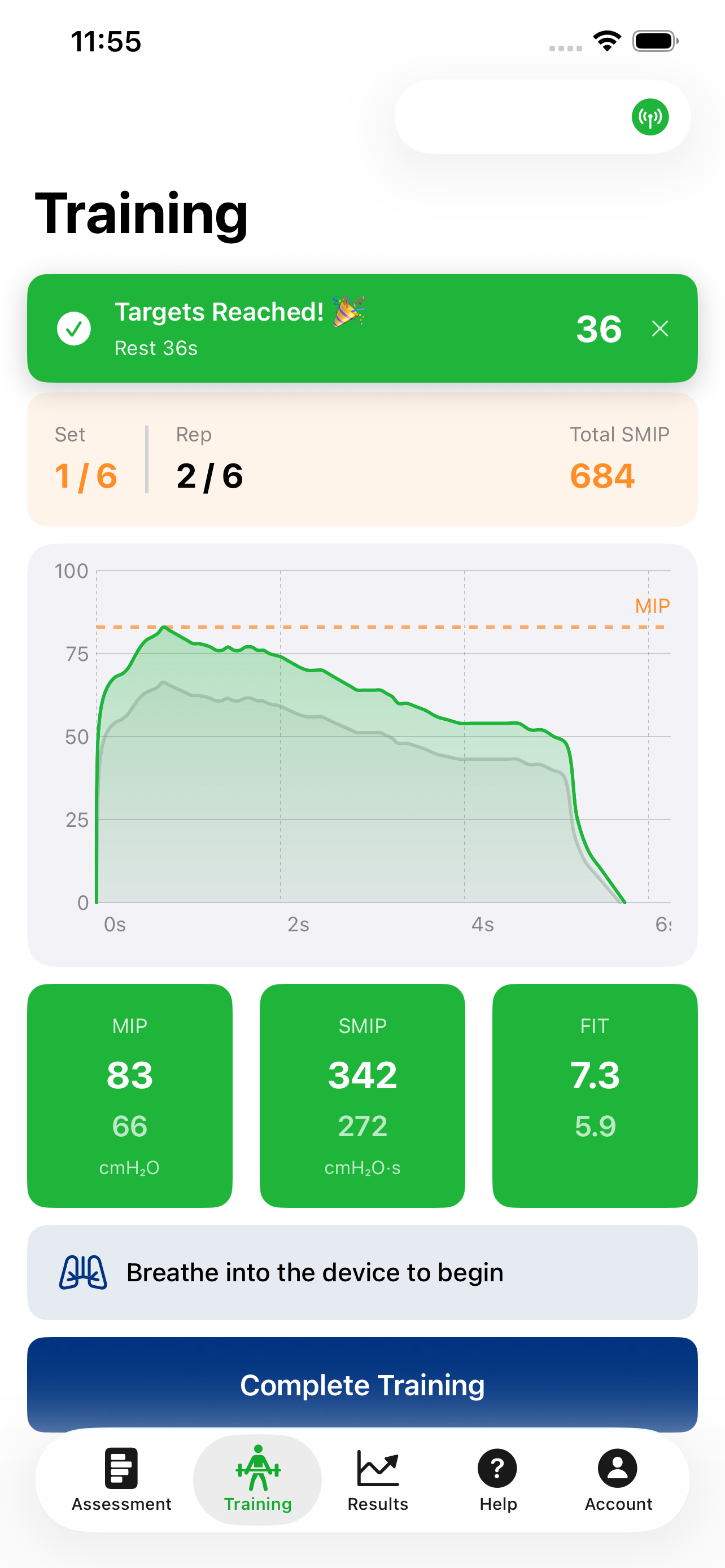
Rep complete
Completed breaths are summarized so you can see how each rep met the goal. Continue through the prescribed breaths; rest intervals and prompts guide the session.
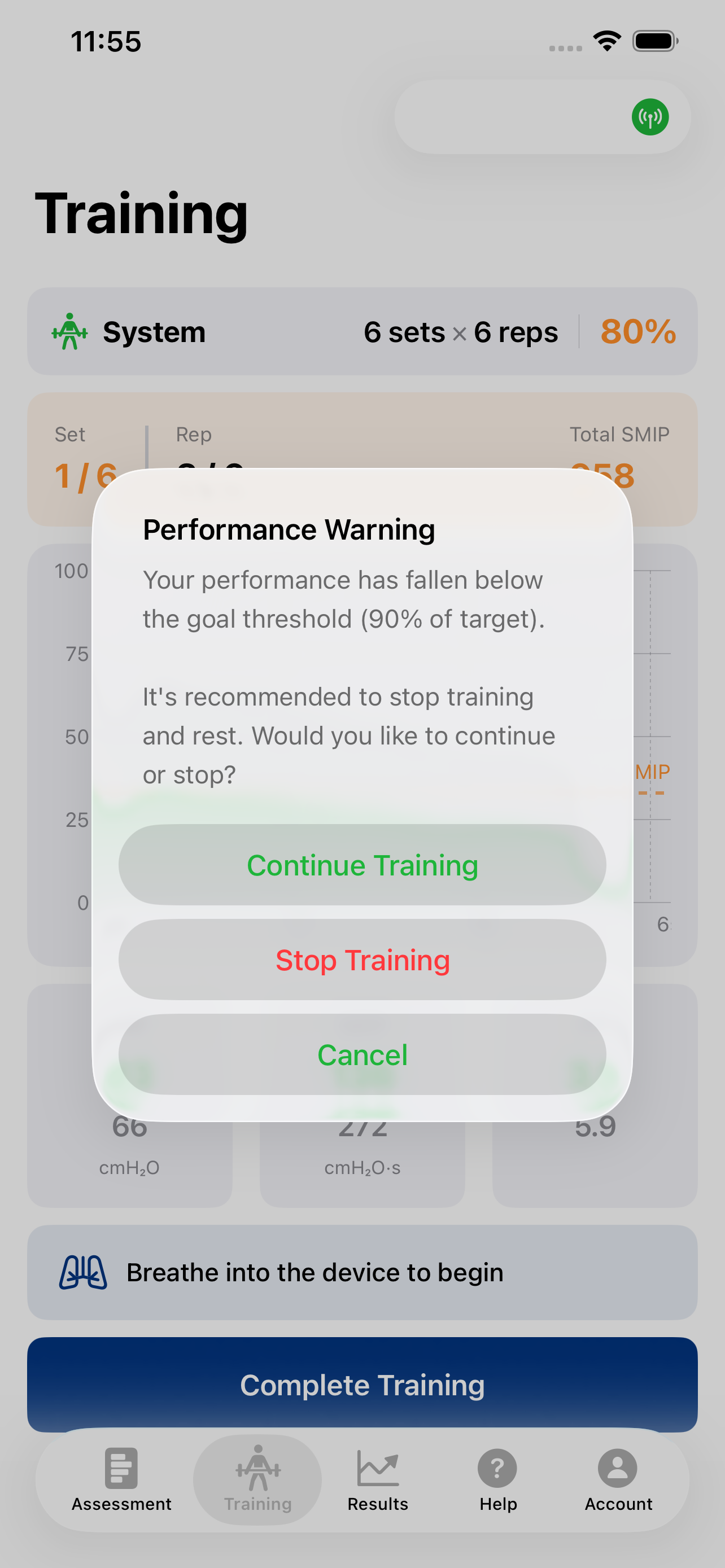
Performance Warning
If a breath falls below acceptable levels for the session, you will be asked to stop training so you can recover safely and keep quality high.
More detail on technique
These screens show navigation and session flow. For maneuver-by-maneuver coaching (MIP, MEP, SMIP, SMEP), open the training tutorials.